5 GB
Free30 days • One-time offer
Start Free
Organise your photos, videos and documents in one place. Reach them from the browser on your devices.
5 GB · 30 days free · No card details required
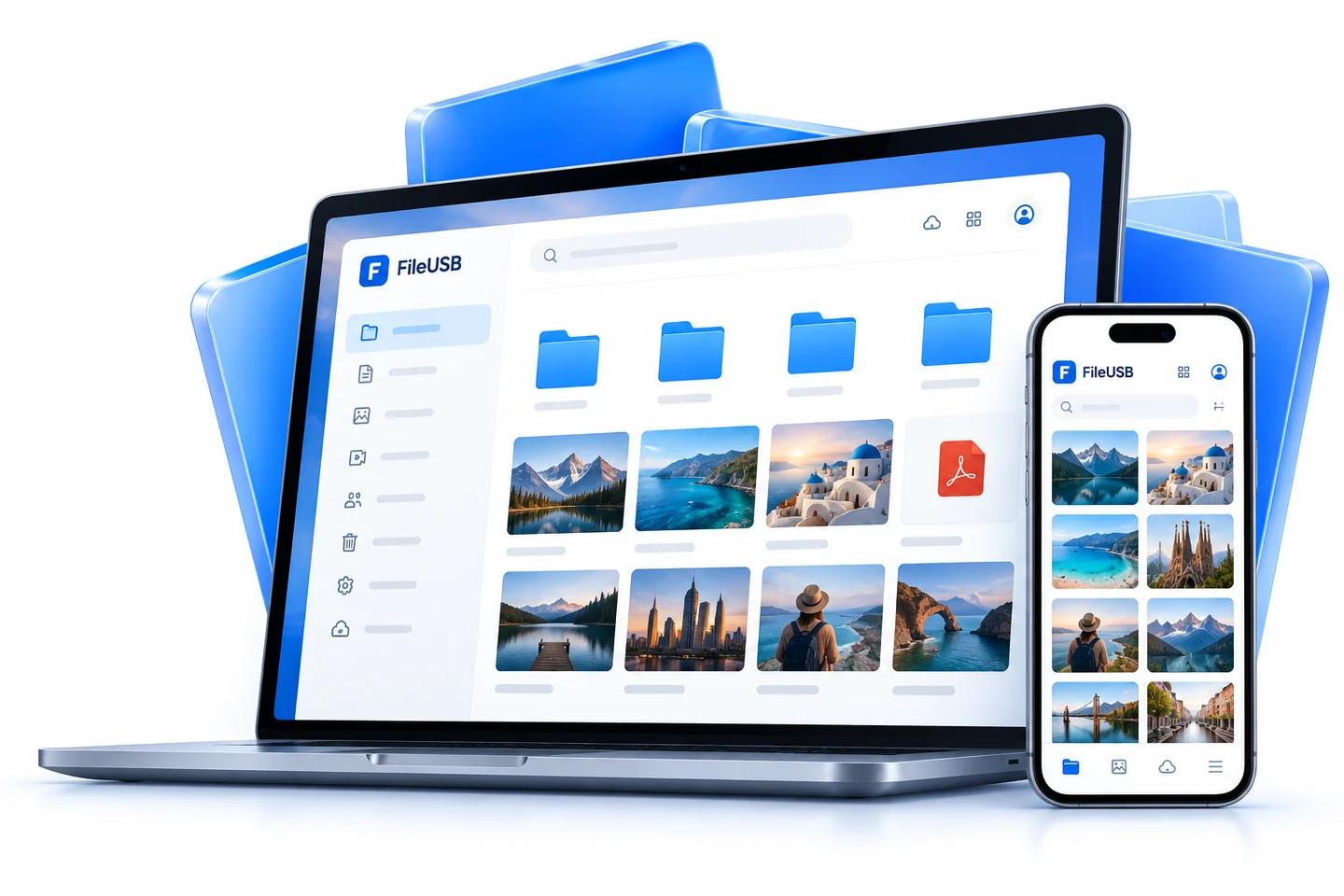
Monthly or annual access, the space you need.
Annual: use 12 months, pay 11. Complete your term selection in the application.
30 days • One-time offer
Start FreeAnnual total: 110.00 TRY
Choose PlanMonthly equivalent of the annual payment: 9.17 TRY · Total savings: 10.00 TRY
Annual total: 330.00 TRY
Choose PlanMonthly equivalent of the annual payment: 27.50 TRY · Total savings: 30.00 TRY
Annual total: 1,650.00 TRY
Choose PlanMonthly equivalent of the annual payment: 137.50 TRY · Total savings: 150.00 TRY
What happens at expiry? At the end of the 30-day 5 GB free offer, your account and files are permanently deleted unless a paid plan is active. Download your files or complete a paid-plan request before expiry.
Keep your memories, move files between devices and share with a link.
Turkish narration • Turkish subtitles
The video could not be played. Open it using the link below. Open video
Upload, organise, share or receive files.
Explore the main panel steps with this sample. No files are uploaded and no real shares are created.
Organise personal content in one place, from photos, video and documents to ISO images, archives, project folders and custom file types.
Share your files with the people who matter, using a link.
Explore Features
Your files within reach, wherever you go.
Use your phone, tablet or computer.
Sync your selected folders.
Android, iPhone and macOS apps: Coming soon
Manage your share links. Keep a separate copy of important files.
5 GB · 30 days free The current offer is read from the current plan list. No card is required to register. Review the expiry conditions before uploading anything important.
At the end of the 30-day 5 GB free offer, your account and files are permanently deleted unless a paid plan is active. Download your files or complete a paid-plan request before expiry.
Enter the verification code sent to your registered address. If it takes a few minutes, check Spam or Junk and use resend after the screen’s waiting period. Keep the code private and use the most recent message.
No. Create an application, follow your private bank instructions and report the payment. The administrator must check the bank payment before activating the correct plan and quota. Confirm the updated dates in your panel.
Understand online storage, local copies, sync and independent backups. Learn how to organise and verify files before relying on a transfer.
Read the guide →Transfer phone photos and videos in manageable batches, verify uploads and preserve another copy before clearing space on your device.
Read the guide →Build a useful folder structure, choose clear names and review duplicates carefully to make a growing photo and video collection easier to search.
Read the guide →Explore online storage, larger capacity options and controlled file sharing for your business.