Upload
Drag and drop supported files or choose files and folders from the Upload menu.

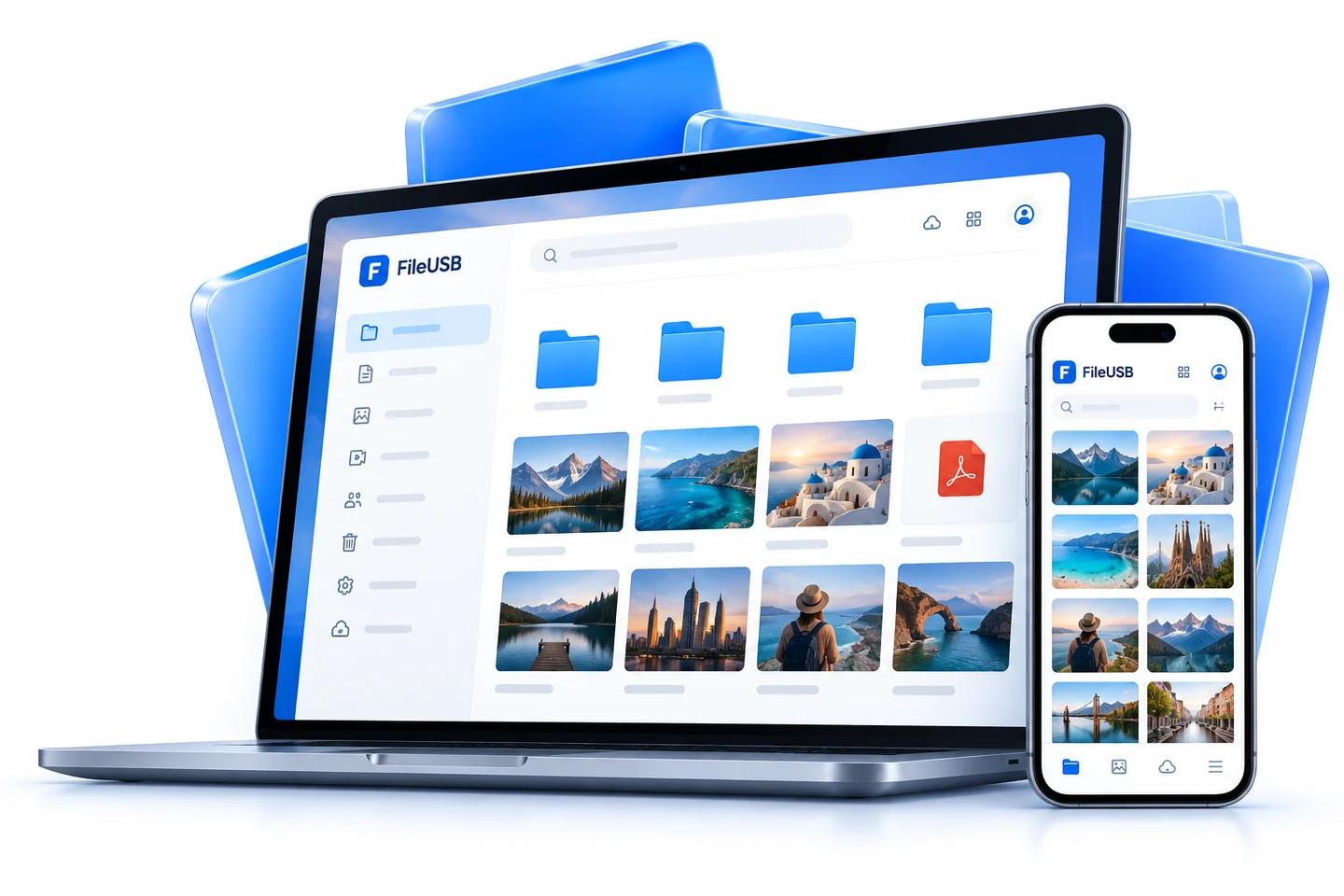
Store, organize and download your files from the FileUSB panel.
Calculations stay on this page; no file selection is needed.
This tool compares plan space only; it does not read your account or live server capacity. Final acceptance depends on remaining quota, the per-file limit, security checks and available capacity. Transfer time is an approximate lower bound; connection and server conditions can increase it. Space calculations follow the catalog convention of 1 GB = 1,024³ bytes.
Drag and drop supported files or choose files and folders from the Upload menu.
Create, rename and move folders; find files using search.
Restore deleted files while they remain in the trash under the current retention rules.
Watch actual usage and your plan dates in the panel.
FileUSB does not replace an independent backup.
Upload photos, videos, music, documents, project files, folders, safe archives, ISO images and other personal files to FileUSB. Preview content that can be displayed safely; store, download and share other files when permitted. FileUSB never runs uploaded programs or disk images. Malware and content that fails security checks may be blocked.
If a safe file belongs on your USB stick, it can belong in FileUSB too. Large files use resumable chunked transfer; your practical limits are the quota of your plan, security checks and available system capacity.
Phone photos, computer documents and videos stored in different places can share one useful folder structure. Choose years, events or topics that make sense to you. Putting everything in one folder is quick at first but makes a growing collection harder to search. Descriptive filenames also help distinguish different documents with the same original name.
Choose files or folders from the Upload menu and organise supported content in the panel. Do not remove a device copy before checking the completed upload. The displayed filename and size are a first check; downloading and opening it helps confirm the actual content arrived. For a more detailed structure, use the photo and video archive guide.
Quota defines the space available to your account. Each file must also meet type and size checks; fitting within quota does not make every transfer method unlimited. If an upload is rejected, check its size, your connection and the panel message instead of starting multiple copies. When space fills up, consider freeing space carefully or changing plans while preserving your files.
Trash offers recovery only while a file is still retained there. It does not give the same assurance after account expiry or permanent deletion. Review retention conditions and plan dates regularly. A storage plan addresses space needs, while an independent verified copy addresses a separate safety need. One does not replace the other.