
What Is FileUSB?
Meet your USB stick, online. Learn what FileUSB storage, sharing and access can do, and understand the limits before you start.
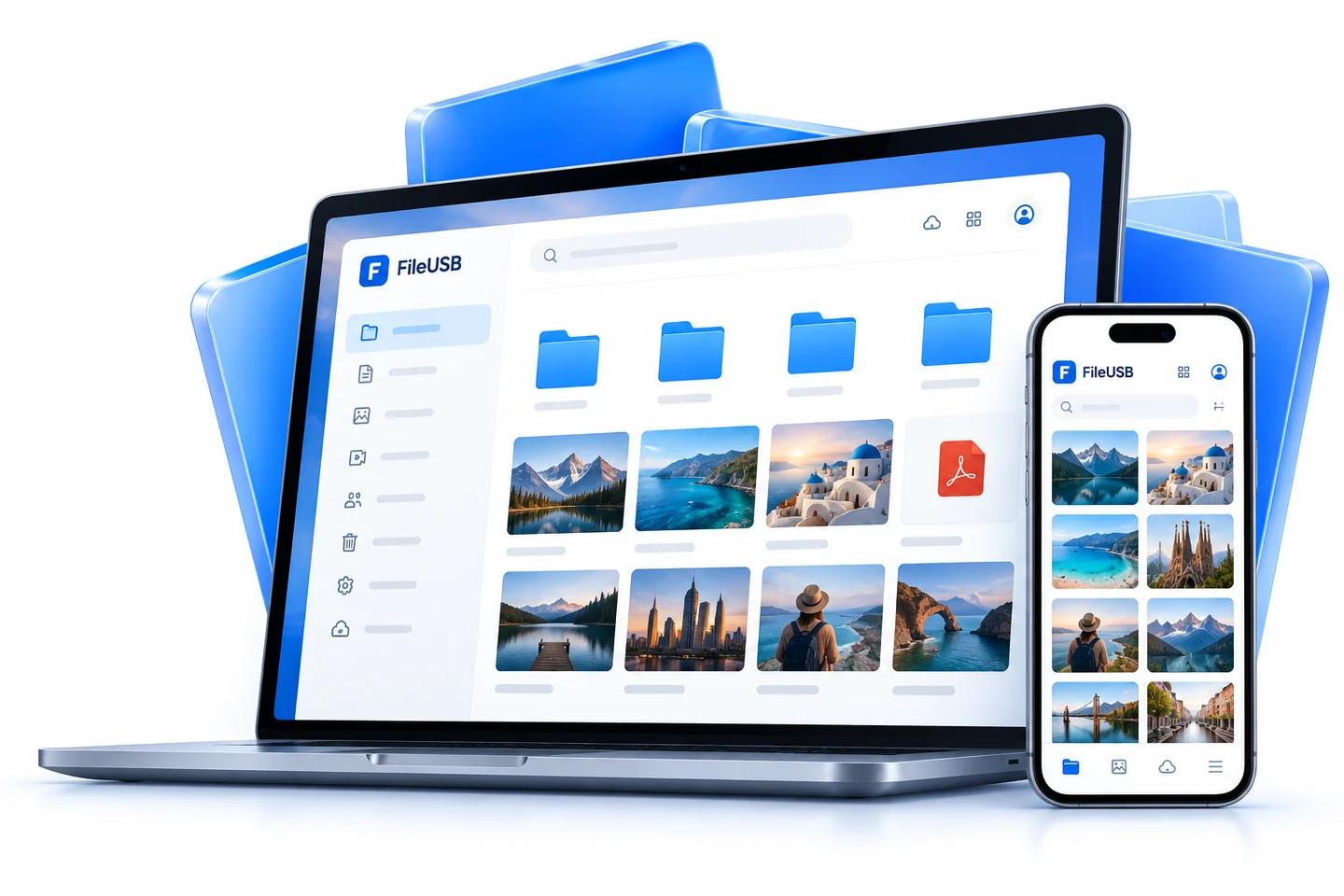
Your files with you, without carrying a stick.
A USB stick is familiar: put files on it, carry it to another computer and open them. FileUSB brings that idea to an account. Upload photos, videos and documents to your online space, then reach them through a browser when needed. There is no physical stick to carry. You do need an internet connection, a valid account and a completed upload before a file is available online.
My FileUSB brings folders, search, sharing and usage information into one panel. You can download a phone document on your computer or send a file as a link without moving between separate storage accounts. Your space and plan dates are visible in the panel, where you can compare them with what you actually need.
Who might find it useful?
An online file space can help when phone storage is full, photos are spread across devices or you are changing computers. Use FileDrop to collect files from someone, and a sharing link to send files you already have. Windows folder sync is available for folders you work in regularly. These are possible uses, not claims about customer numbers or testimonials.
Know the limits
FileUSB is a limited beta, not an independent backup. Sync does not mean every previous version will be kept forever. Check what deletion, plan expiry and link revocation mean before relying on them. Keep a verified copy of important files somewhere else. Online files may be unavailable during an internet or service interruption.
Start with the signup and upload steps. The free offer and paid choices appear in the live catalog. Read the security and retention limits before choosing space, so that you start with realistic expectations.